
Who’s Teaching This Class? Editable Teacher Trivia Game
Bring game-show energy to your first days of school!
Skip the ordinary teacher-introduction slideshow and let your students discover who is teaching their class through a colorful, competitive trivia game.
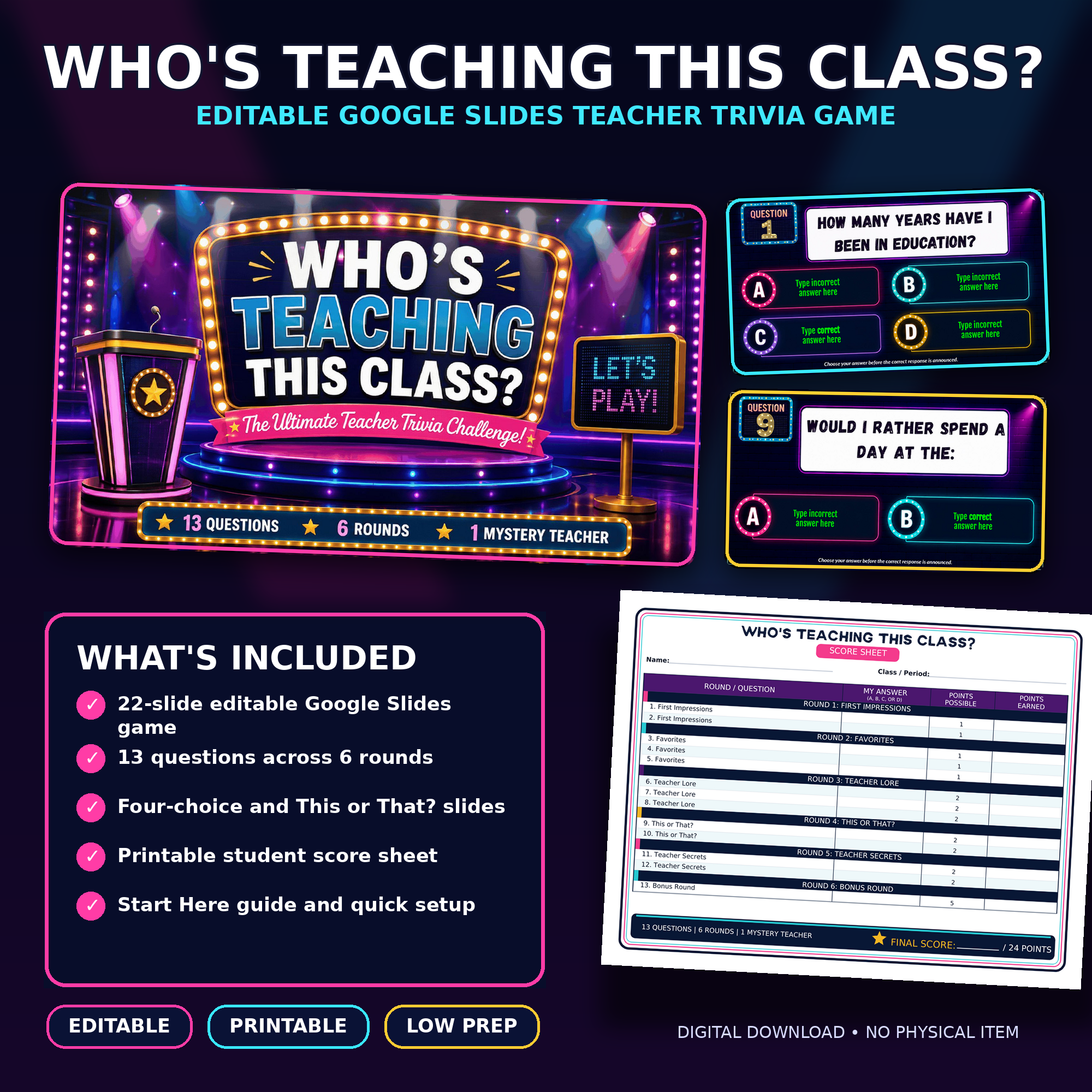
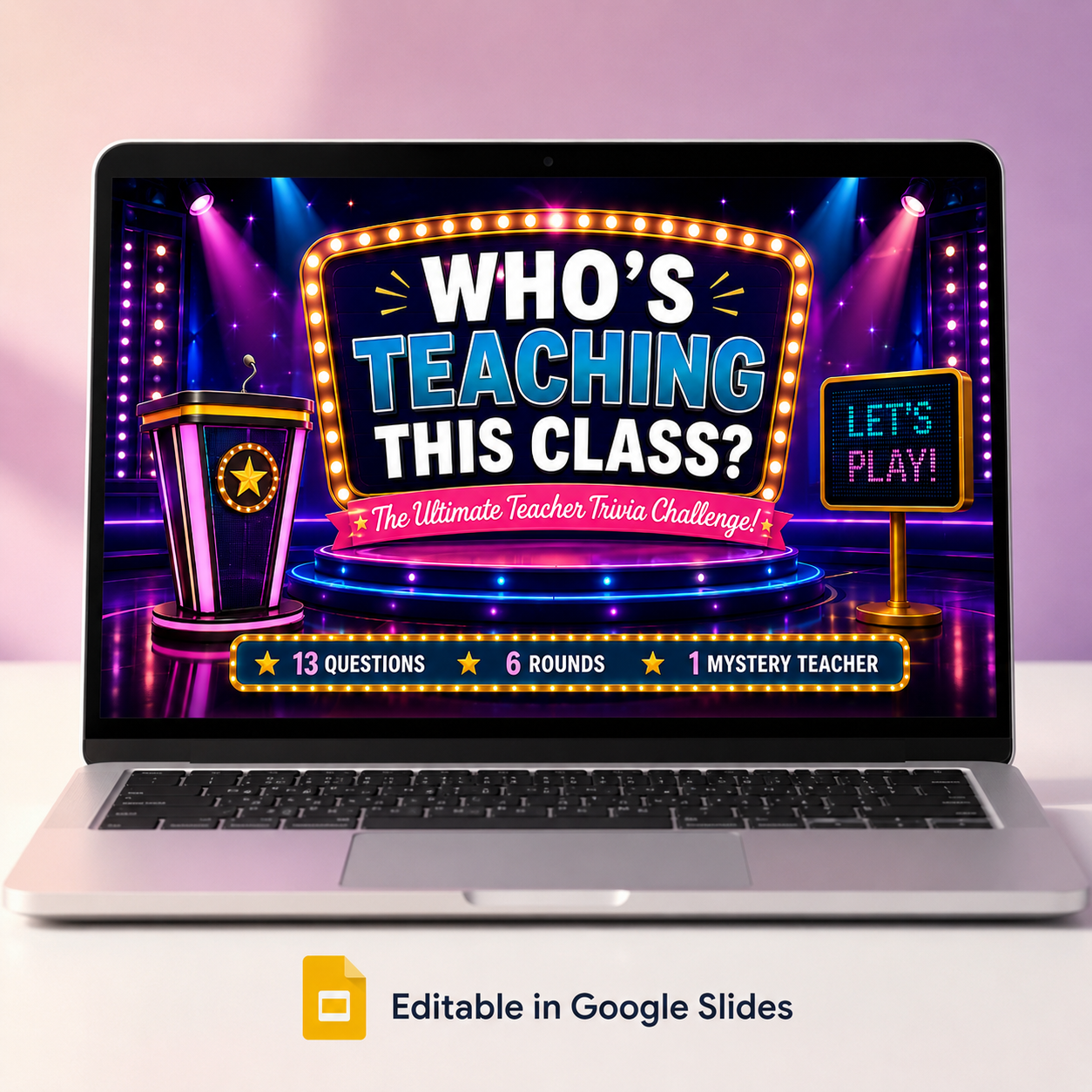
Who’s Teaching This Class? is an editable Google Slides activity designed to help students learn fun facts about their teacher while building classroom community. The questions are already included, so there is no need to create the game from scratch. Simply replace the answer-choice placeholders with information about yourself, print the student score sheets, and you are ready to play.
Students will move through six themed rounds, record their guesses, earn points for correct answers, and see who knows their mystery teacher best.
What’s included
- 22-slide editable Google Slides game
- 13 prepared teacher-trivia questions
- Six themed rounds
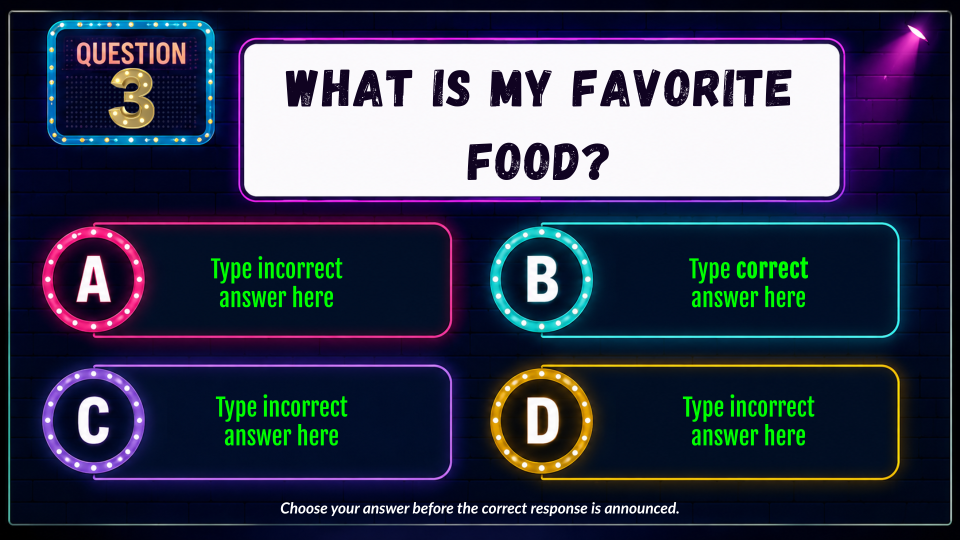
- Four-choice multiple-choice questions
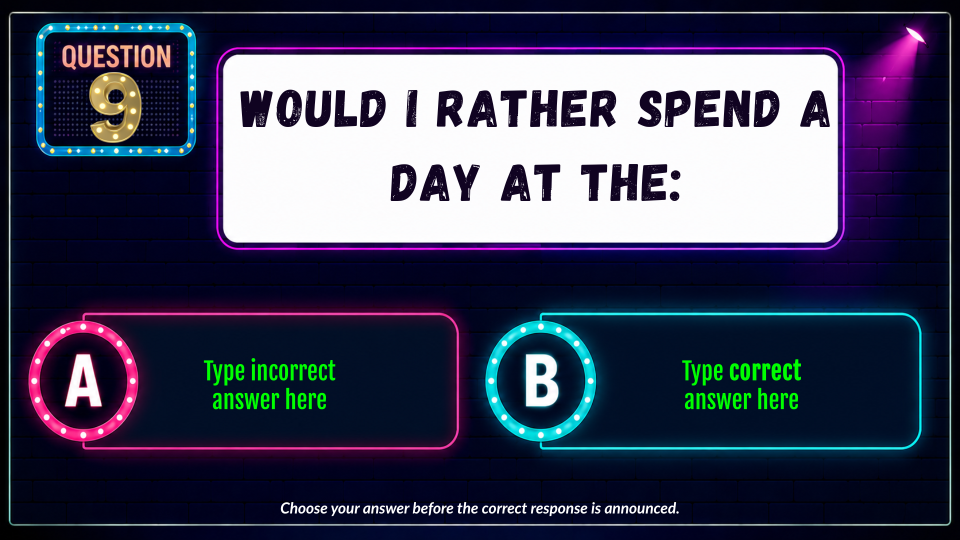
- Two-choice This or That? questions
- Teacher directions
- Student directions
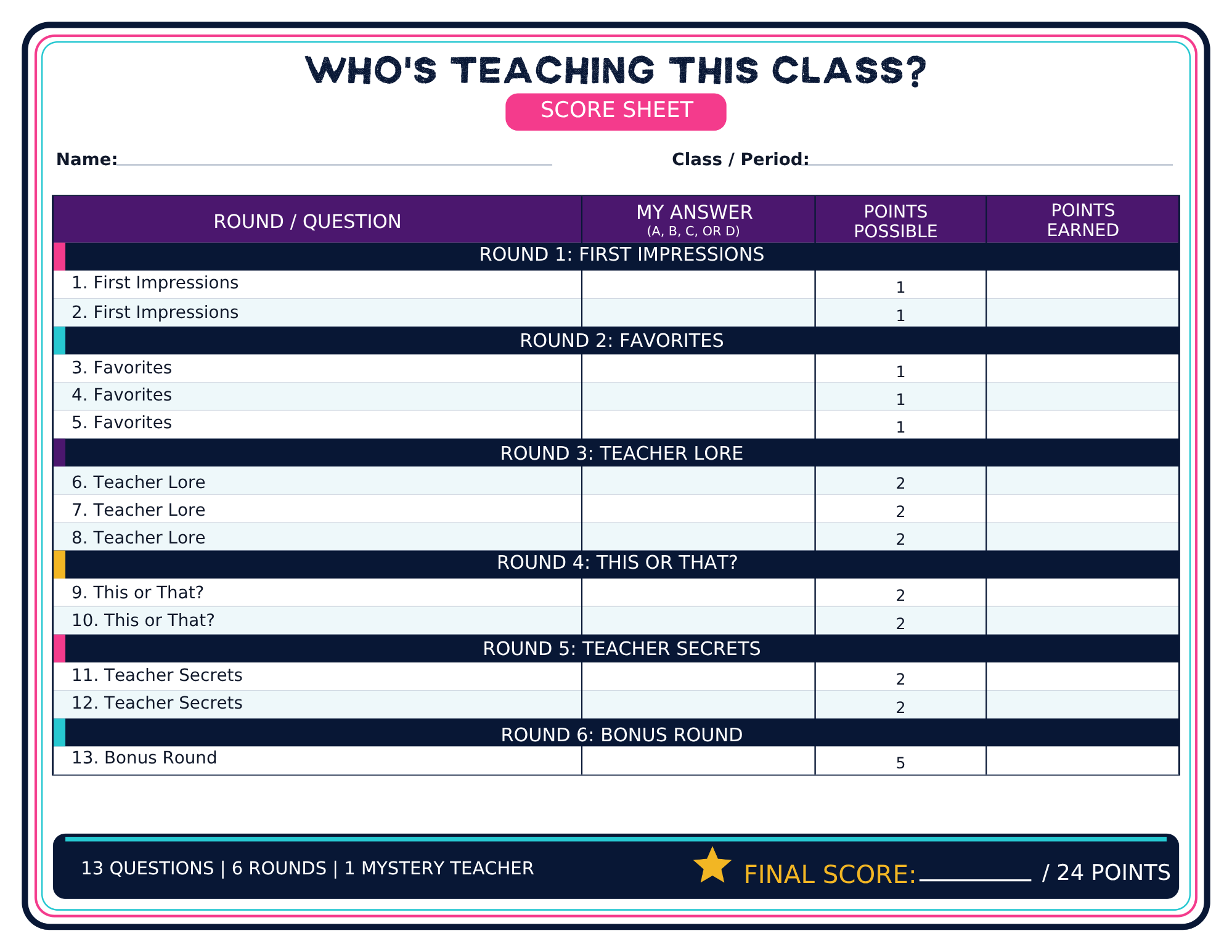
- Printable student score sheet
- Quick setup instructions
- Terms of use
The six rounds
- Round 1: First Impressions
- Round 2: Favorites
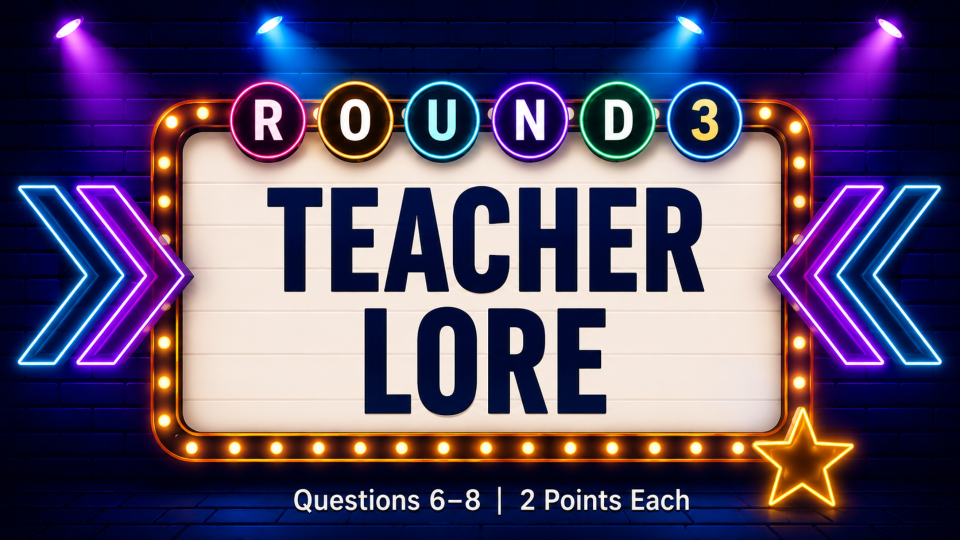
- Round 3: Teacher Lore
- Round 4: This or That?
- Round 5: Teacher Secrets
- Round 6: Bonus Round
Easy to customize
The questions, question numbers, scoring, and game design are already prepared. Teachers only need to replace the green placeholder text with their own correct and incorrect answer choices.
Once customized, the game can be used again with each class period and saved for future school years.
Perfect for
- The first day or first week of school
- Back-to-school activities
- Upper elementary, middle school, and high school
- Homeroom or advisory
- Classroom community building
- Teacher introductions
- Beginning-of-year icebreakers
How it works
- Open the included Start Here PDF.
- Click the link to make your own Google Slides copy.
- Customize the answer choices with information about yourself.
- Print one score sheet for each student.
- Present the game in Slideshow mode.
- Announce the correct answers and let students total their points.
The highest possible score is 24 points.
Please note
This is a digital product. No physical item will be mailed.
A Google account is required to access and edit the Google Slides game. This purchase is licensed for use by one purchaser with their own students. The files may not be shared, resold, posted online, or distributed to other teachers.
Questions? Contact support@brightshiningcreations.com.
Want both Back-to-School games?
Save with the Back-to-School Classroom Game Bundle, which includes this game plus Time Machine Malfunction: The Digital Dawn.